Zen Smartphone Setup
Note: Read Even Simpler Smartphone Setup for an updated setup.
Origin
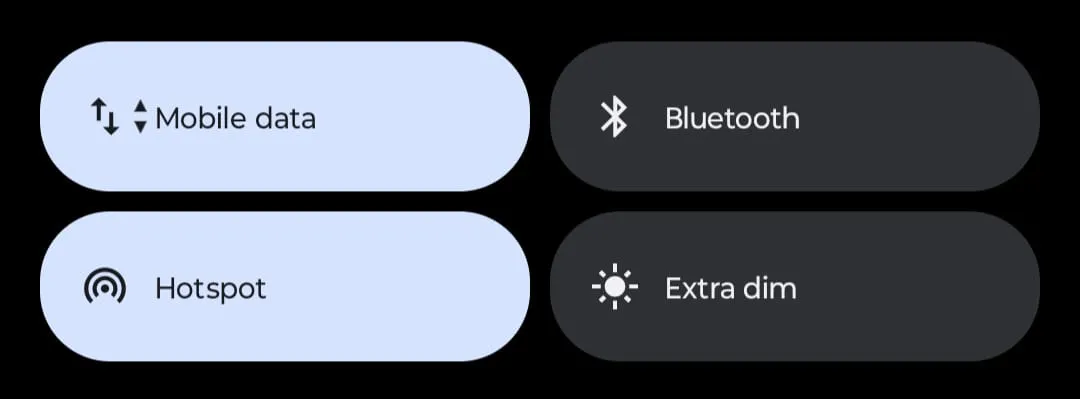
I have a Motorola smartphone that runs on stock android which, if you don’t know, is pretty bad in terms of customizability. I needed more items to appear in what’s called the “notification shade” or probably “quick settings”. I needed more than just 4 fucking stupidly big rounded pills. So, I looked around, tried some interesting apps, didn’t like them, but during this search I was reminded of the existence of App Launchers.
There’s only one name that stood out “Nova App Launcher”. I installed it, used it for some time but then I don’t know what struck, I didn’t like it. I needed more (or perhaps less in this case). I thought that the smartphone is sucking my attention (true btw) and I felt the need to change this. Something with less colors and less moving parts, a minimalistic app launcher? So, I started searching for it, installed two such launchers, liked one of them.
Zen Detox App Launcher
Two screens. Just two. That’s all I needed. Screen one is the Home Screen, swipe right and you get a list of all installed apps with a search bar on top. That’s an app launcher, a minimalistic one.
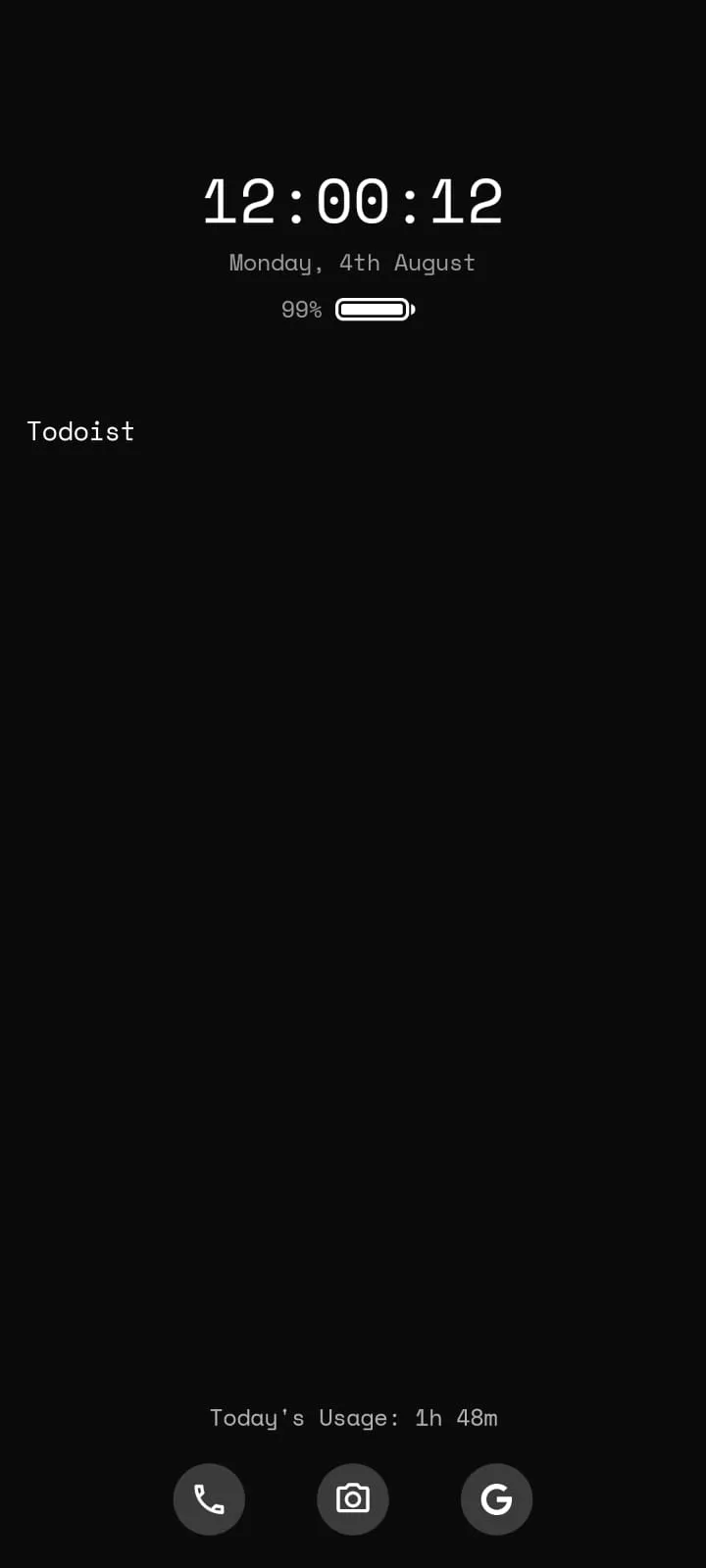
Features
- Time reminders - Lets you select a time before the (distracting) app you clicked on opens. After that set time a popup will ask you to leave the app. This can be turned off completely, if not needed. I have been keeping it off for some time now and I can say that it was effective no matter how irritating it was. Moreover, you can select the apps for which you’d want a reminder. You can also choose to just use the time reminders instead of the whole app launcher experience.
- Rename installed apps - I love this one. I have an offline English Dictionary it’s called Vocapture, I renamed it to Dictionary, simple shit. I don’t like the Google calculator. So, I renamed it to “Calculator by Google” (wanted to do “GCalculator” but I wanted it next to the “Calculator” app). Install a better calculator, rename it to Calculator. Done.
- Home Screen - Add apps on the Home Screen. Moreover, you can customize what app opens for the three icons at the bottom, can’t change the icons though :( Although, you can add apps directly to the Home Screen, I’d suggest you to avoid doing so for a minimal experience.
- Theme selection - I use the Black one for dark mode and white for light mode. There are other themes that I switch to for changing the mood. Theme here basically means the background color. You can choose a different font as well, like I am using Space Mono.
- Hide apps - You can choose to hide apps from the main list. You’ll find them in the Hidden apps section in the settings.
Okay, home screen all zen but we aren’t done, yet. A big distracting and attention sucking “feature” of a smartphone is notification.
You get a lot of those?
Notifications
I think they are important but you need to declutter that insane list of notifications that you don’t need. A simple rule(s) of thumb I follow:
- installed a new app -> keep notifications on -> if you get any unnecessary notification immediately goto settings and turn off the notifications. You don’t have to turn off all types of notifications, just the specific ones you don’t need
- already installed app -> you already know which ones don’t deserve to be in the notification bar, anything that’s begging you to open their app, just turn off their notifications, Netflix, Hotstar, Instagram (why do you need it?), Reddit, X, or whatever
- only keep notification on for messages and apps that show live notifications like Maps or Uber
Decluttering notifications will take some time, so don’t lose patience and skip this step. Neither should your turn off notifications for each app you see. Be patient and decide if you really need that notification. The moto should be that you get to decide when to use an app and your phone and not the other way around. If you are tempted by the sale offers notification from e-commerce apps to “just check them”, turn them off (you decide when to shop).
Conclusion
Core ideas for a zen smartphone setup:
- no icons for apps (meaning no simulation from seeing a lot of colors and no chance of tempation by seeing the app icon). You can go one step further from this and get a b&w screen filter to completely “turn off” colors but that’d be depressing for normal people.
- limited scope of movement, i.e., having just two screens. I think “ideally” a single screen should be enough but for usability, two is good.
- easy access to search the apps. A single linear list, instead of a grid and searching with your eyes, swipe right -> search the app -> tap and you’re there. It might need some getting used to but directly searching the app is still way better than looking through a list.
- minimal notifications (only keep them for apps that you allow to ask for immediate attention)
This setup is not perfect, the launcher have some issues but I hope this setup will still be a peaceful experience than having apps fighting for attention on your home screen.
We’re done here but even after all this, I am still living with those 4 fucking stupid rounded pills in the notification shade.